
ThePhotoStick Omni: What It Is, How It Works, and Whether It’s Worth Buying in 2026
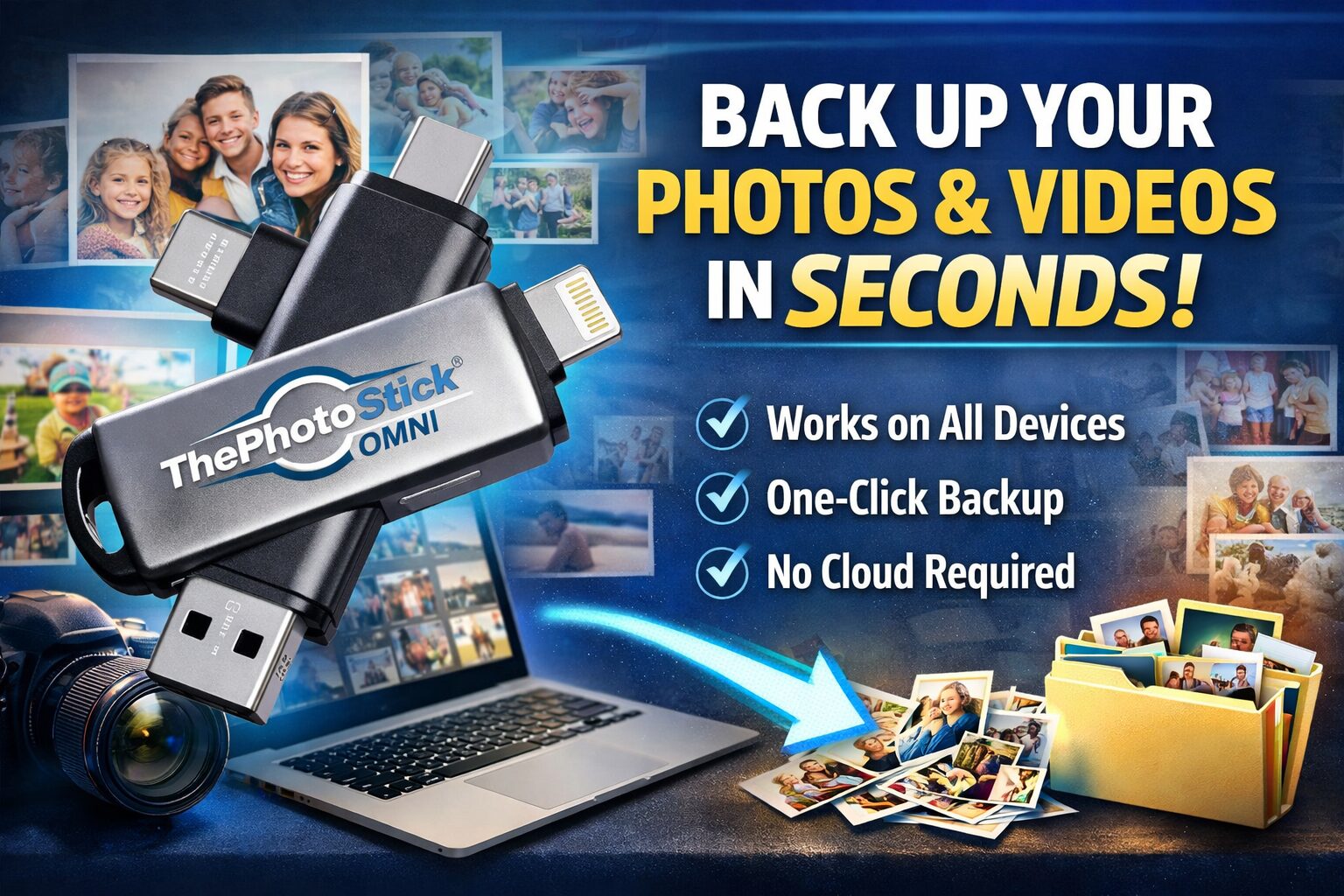
ThePhotoStick Omni is one of those products that keeps showing up when people panic about losing family photos, and ThePhotoStick Omni has clearly struck a nerve for a very simple reason: people take an absurd number of pictures, then do a terrible job protecting them. TechRadar recently highlighted estimates of roughly 5 billion photos taken every day worldwide, which tells you everything you need to know about the mess sitting inside modern camera rolls.
I’ll be blunt. Most people don’t have a real backup strategy. They have vibes, maybe a cloud account they half trust, an old laptop they swear they’ll organize “this weekend,” and 37,000 photos trapped across an iPhone, a PC, a tablet, and one mystery Android device no one has charged since 2023. That’s exactly the kind of chaos ThePhotoStick Omni is designed to exploit—in a good way, for once.
So, is ThePhotoStick Omni legit? Is ThePhotoStick Omni a scam? Is it better than cloud storage? Is it just an overpriced flash drive with decent marketing? Those are the real questions, and that’s what this review is going to answer.
What Is ThePhotoStick Omni?
At its core, ThePhotoStick Omni is a multi-device backup drive built to find, sort, and save photos, videos, and other files from Windows, Mac, iPhone, iPad, Android phones, and tablets. The official product pages say it works across those platforms, uses a free app for phones, and is meant to make backup simple enough that even non-technical users can do it without turning the whole day into a tech support hostage situation.
The headline feature is convenience. The official site says the device can automatically find, sort, and save files with one click, remove duplicates, and support over 100 file types. The user guide also notes that, by default, it targets formats like JPEG, HEIF, Photoshop, MOV, and MPEG4, while allowing users to expand the list.
That matters more than it sounds. A regular flash drive stores files, sure. But it doesn’t usually help you hunt them down, identify duplicates, or simplify the backup process for someone who doesn’t want to manually drag folders around like it’s 2009.
Why Products Like This Even Exist
Here’s the dirty little secret of consumer tech: storage has exploded, but organization has not. We take more photos than ever, yet our systems for keeping them safe are often laughably bad. ThePhotoStick’s own landing page cites a stat that 65% of people or their family members have lost files due to accidental deletion, hardware failure, or software issues, referencing Help Net Security. Meanwhile, broader backup research in 2025 found 63% of respondents reported data loss due to device failures, accidental deletions, or cyberattacks.
That’s why the appeal lands. You’re not buying a gadget because you love gadgets. You’re buying insurance for the part of your digital life that would actually sting if it vanished: baby photos, wedding videos, voice notes from a parent, screenshots from a trip, random clips you laughed at and forgot mattered.
As Dorothea Lange famously put it, “Photography takes an instant out of time, altering life by holding it still.” That line still hits, because it’s dead-on. Photos are time machines with terrible filing systems.
ThePhotoStick Omni Storage Sizes and Capacity
This is one area where numbers matter, because vague “stores a lot” marketing is useless.
According to the official FAQ and product pages, approximate capacity breaks down like this:
- 32GB: about 12,800 photos
- 64GB: about 25,600 photos
- 128GB: about 51,200 photos
- 256GB: about 102,400 photos
- 512GB: about 204,800 photos
The official product line currently highlights storage up to 512GB, and the product page says that top-end version can back up over 204,000 photos and videos.
Now, obviously, those are estimates. A 4K video file is not the same beast as a compressed JPEG from six years ago. The company itself says the exact amount varies by file type and size. So treat the numbers as directional, not gospel.
Current ThePhotoStick Omni Pricing
Pricing changes often because this product is constantly on sale somewhere. On the official site snapshot I checked, the 32GB version showed at $44.99, while larger bundles and case versions pushed higher. The same official product collection showed examples around $102.99 for 128GB and $156.99 for 256GB in the listings I accessed, though some pages and retailers show different prices depending on bundles, promotions, and region. Walmart listings surfaced $59.99 for 64GB and $79.99 for 128GB on one result page.
That leads to the obvious criticism: ThePhotoStick Omni is expensive on a per-gigabyte basis compared with ordinary flash drives or compact SSDs. Even recent third-party comparisons have said that outright.
And honestly? That criticism is fair.
You are not paying for raw storage value. You’re paying for simplicity, cross-platform workflow, backup software, automated sorting, and lower friction. If you’re tech-savvy, you can absolutely build a cheaper setup yourself. If you’re not, or you’re buying for a parent or grandparent, the premium starts to make more sense.
The Best Use Cases for ThePhotoStick Omni
This is where the product either clicks for you or doesn’t.
1. Parents and grandparents with massive photo libraries
If your camera roll is full of family moments and you do not want to trust everything to one phone or one cloud account, this makes sense. The official site leans hard into memory preservation for a reason.
2. People who hate subscriptions
Cloud services are convenient, but they come with monthly or annual fees, and they assume you’re fine storing precious files on someone else’s infrastructure. ThePhotoStick Omni is a one-time hardware purchase, not a recurring bill. That alone is a selling point for a lot of buyers.
3. Multi-device households
If you’ve got an iPhone, a Windows laptop, an old MacBook, and an Android tablet floating around the house, cross-platform compatibility is genuinely useful. The official product pages position Omni exactly that way.
4. Travelers and offline-first users
No internet required. No waiting on cloud sync. No wondering whether hotel Wi-Fi is about to betray you at the exact wrong moment. That can be a real advantage.
5. Gift buyers
This may be one of the most “giftable problem-solvers” in the category. It’s small, practical, and wrapped around an emotional pain point: losing memories. The brand’s own advertorials are built around that emotional core.
My Straight-Up Take on Ease of Use
The value proposition is crystal clear: plug it in, tap or click, let it scan, save, and sort. The official product and user guide content back that up, and that’s why ThePhotoStick Omni gets attention from less technical buyers.
But here’s the reality check: simple does not always mean seamless.
Some outside reviews and customer complaints suggest that setup or ongoing use can be frustrating for certain users, especially on phones. Trustpilot snippets include complaints about confusion, storage issues, and long backup sessions, and BBB pages show complaints filed against the business even while the business profile carries an A- rating and notes 23 complaints in the profile snapshot I found.
That does not prove the product is a scam. It does mean you shouldn’t write a fantasy review pretending every buyer has a magical experience. Some do. Some clearly don’t.
That’s the honest middle ground:
- The idea is smart.
- The software-led workflow is useful.
- The price is premium.
- The experience may vary more than the ads imply.
ThePhotoStick Omni vs Cloud Storage
This is the comparison people actually care about.
Where ThePhotoStick Omni wins
It offers offline backup, no monthly storage fee, no account dependency, and a physical copy you control. For privacy-minded users or people tired of subscription creep, that’s huge. It also avoids the “I thought it was syncing but apparently not” mess that bites people all the time.
Where cloud storage wins
Cloud services are usually better for automatic background syncing, remote access, collaboration, and redundancy—assuming you configure them properly and keep paying. They also don’t have the same physical risk as a single drive you could misplace.
The smartest answer
Don’t pick one. Use both.
A local backup product like ThePhotoStick Omni works best as part of a layered backup strategy, not as your one and only lifeboat. Even photography advice around cloud use has long argued that cloud storage is best as one piece of a broader backup system, not the entire plan.
That’s the adult answer. Boring, yes. Correct, also yes.
ThePhotoStick Omni vs a Regular USB Drive or Portable SSD
This is where the “overpriced flash drive” criticism comes in.
A regular USB stick can be dramatically cheaper. A portable SSD can be much faster and often better value per gigabyte. Recent portable SSD reviews show small drives delivering read speeds above 1,000 MB/s, which absolutely stomps the kind of consumer backup stick experience most people expect.
But speed and raw storage aren’t the whole story.
A normal drive does not automatically:
- search for photo and video files,
- skip duplicates,
- organize media,
- simplify the process for non-technical users across phones and computers.
So the better question is not, “Is it cheaper than a USB drive?” Of course it isn’t.
The better question is, “Would the person using it ever back up their files without this level of simplicity?” If the answer is no, then the premium may be worth it.
Real-World Scenarios Where It Makes Sense
Let’s get practical.
The overwhelmed parent
You’ve got 18,000 photos on an iPhone, another 6,000 on an older family laptop, and you’re already seeing storage warnings. You don’t want to sort folders manually. You want a one-click-ish solution. ThePhotoStick Omni makes sense here.
The grandparent who hates tech drama
A regular SSD plus manual transfer is probably cheaper. It’s also probably not getting used. ThePhotoStick Omni’s appeal is that it shrinks the learning curve.
The traveler
You’re on the road, shooting tons of photos and clips, and you want a local copy without trusting sketchy public Wi-Fi. Again, that’s a good fit.
The professional or power user
Honestly? You’re probably better off with a serious backup stack: NAS, external SSDs, cloud redundancy, maybe automated desktop sync. ThePhotoStick Omni can still be useful, but it’s not the highest-performance option in the room.
Is ThePhotoStick Omni Legit or a Scam?
Based on the official product ecosystem, user guides, retail listings, and the fact that the company sells through its own site plus mainstream marketplaces like Amazon and Walmart, this appears to be a real consumer backup product, not vaporware. The official site says more than 1.5 million people use it, and the broader product line is clearly active.
That said, “legit” does not mean “perfect.” There are public complaints about usability, shipping, and support. That’s part of the story too.
So here’s the fair verdict:
- Legit product? Yes, it appears to be.
- Miracle device? No.
- Worth it for the right buyer? Absolutely.
- Worth it for everyone? Nope.
The Biggest Pros
The strongest reasons to buy ThePhotoStick Omni are pretty easy to spot.
It works across Windows, Mac, iPhone, iPad, and Android devices. It supports automated backup, duplicate filtering, and broad file-type support. Official materials also highlight ongoing backup use, with some users reportedly leaving it plugged in for weekly backup sessions.
And emotionally, it sells a simple promise: make one copy of the files you’d hate to lose.
That promise is powerful because it’s not abstract. It’s personal.
As Ansel Adams put it, “You don’t take a photograph, you make it.” The point is that photos carry intention, memory, and meaning. They’re not just files. That’s why backup feels boring until the day it feels devastating.
The Biggest Cons
Now for the stuff some reviews dance around like they owe the product money.
First, the price is high relative to plain storage hardware. Second, not every customer seems to find the process effortless, especially on phones. Third, because this is a physical device, it should not be your only backup. Lose the stick, damage it, or fill it beyond your needs, and you’re back in problem territory.
Also, if you are already comfortable with external SSDs, manual folder structures, or advanced cloud workflows, ThePhotoStick Omni may feel too expensive for what it is.
That doesn’t make it bad. It just means the product is strongest when the buyer values simplicity more than optimization.
Where to Buy ThePhotoStick Omni
If you want the official version, the safest recommendation is to buy directly from the official ThePhotoStick website or the brand’s official promotional pages. The official site explicitly warns buyers not to confuse it with knock-offs and positions direct purchase as the way to buy from the inventors.
You can also find listings on marketplaces like Amazon and Walmart, but if authenticity, bundles, warranty language, or the current promotion matters to you, the official site is the better bet.
Final Verdict: Should You Buy It?
If you want the simplest possible answer, here it is.
Buy ThePhotoStick Omni if:
- you want an easy backup solution for family photos and videos,
- you use multiple devices,
- you hate subscriptions,
- you’re buying for someone who will not manage a complicated backup setup,
- you care more about convenience than getting the cheapest storage per gigabyte.
Skip it if:
- you’re highly technical,
- you already run a proper backup system,
- you mainly care about speed and storage value,
- you’d rather buy a faster SSD and manage files yourself.
For the right buyer, ThePhotoStick Omni is not just another gadget ad. It’s a friction-killer. And that matters. In a world where billions of photos are created daily and a shocking number of people still lose important files, convenience is not a small feature—it’s the entire ballgame.
My final take? ThePhotoStick Omni is best viewed as a premium convenience backup tool, not a magic wand and not a scam. If you buy it with realistic expectations, ThePhotoStick Omni can be a smart, genuinely useful way to protect the files you’d hate to lose most.